


Guide for Delivery Partners: Resolving “Suspicious” Orders
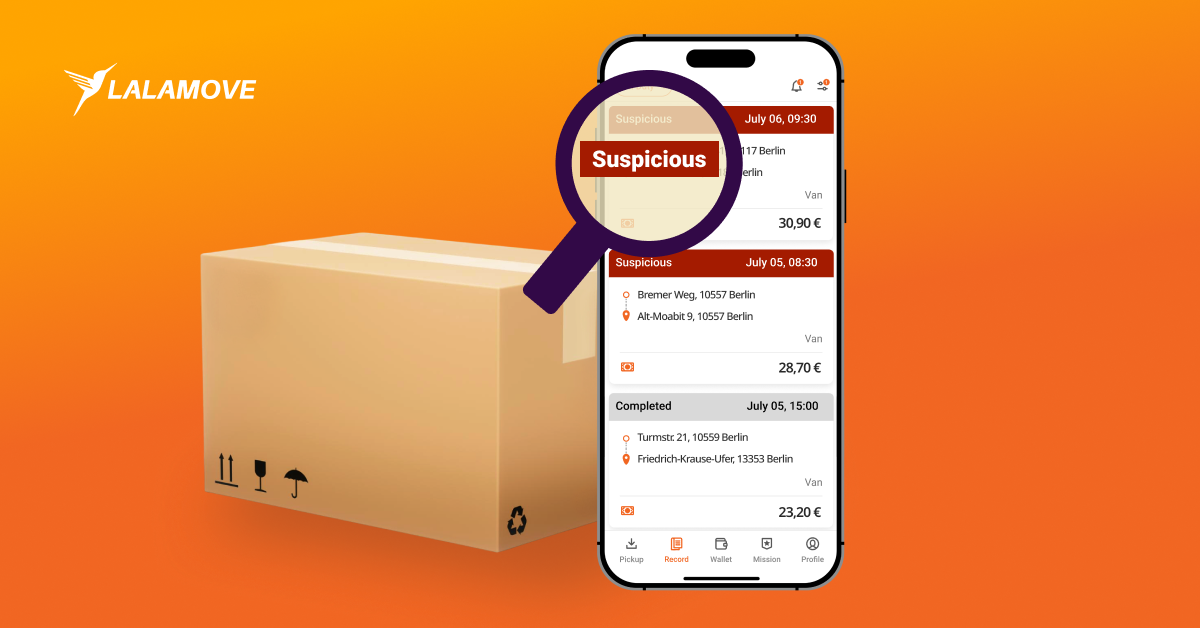
As a delivery partner, you do your very best every day to bring deliveries safely and on time to their destinations. However, sometimes our system may flag an order as "Suspicious" due to unusual activity, in order to protect the platform.
If you notice one of your completed orders being marked as "Suspicious", don’t panic!
We have built a quick and easy in-app appeal process to help you verify your hard work and get your earnings released.
Learn our step-by-step guide how to appeal a flagged order.
Understanding why your order was flagged
In most cases, an order is marked as suspicious if the standard delivery protocol was not fully done. To ensure a seamless experience on the Lalamove platform, please remember to follow these essential steps after accepting a request:
-
Accept an order
-
Call customer to coordinate the details
-
Go to the pickup location and update your status to "Arrived" in the app
-
Take a clear photo if proof of delivery (POD) is required for the order
-
Go to the drop-off location
-
Complete the process by marking the items as delivered
Step 1: Spotting a Flagged Order
When you check your order history under the "Completed" tab, regular completed orders will have a light grey background. However, if an order has been flagged for potential fraud, it will stand out in red with the status "Suspicious".
Step 2: Checking the Details and Deadlines
Tap the red order to open the details page. There, you will see a banner at the top showing the warning “Potential fraud detected”. Your payment for this order will temporarily be shown as “Earnings under review”.
Important: The banner will state exactly how many days you have to submit your appeal. You have 4 days from the time you complete your order. If you miss this deadline, your earnings for that order will be revoked. To start the process, simply tap the "Appeal" button.
Step 3: Uploading Your Proof
The review team needs evidence to clear the suspicion and release your funds. In the process, you will be asked to provide proof in 3 categories:
-
Delivered item: A photo of the goods you successfully dropped off
-
Communication with customers: Screenshots of your text messages or call history. Make sure the customer's phone number and the call duration are clearly visible
-
Transportation: Relevant photos of your delivery items or delivery location
Step 4: Submitting and Awaiting Review
Once you have uploaded at least one piece of photographic evidence, the "Submit Appeal" button will turn orange and become clickable.
Once you tap it, you’ll see a green confirmation banner at the top of your screen that says, "Appeal submitted. We're reviewing your appeal. This will take 2–3 days." When you go back to your order records, you'll see the red card's status has been updated from "Suspicious" to "Appeal submitted".
Pro-Tip: The best way to guarantee a smooth delivery is to always follow standard delivery protocols! Take clear Proof of Delivery (POD) photos and always use the in-app call/chat features so you have a solid record of your communication.
Ready to Take an Order?
In case you have not yet registered, download the Lalamove driver app for (iOS) or (Android) and start earning extra income!