
.png)
Want to deliver with Lalamove in London? Follow these 5 steps to create your account, submit your documents and get ready to start delivering.
Step 1: Download the Lalamove Driver App
Download the Lalamove Driver app, create your account and complete your registration directly in the app.
Step 2: Enter your basic details
Tell us a little about yourself and the vehicle you'll use for deliveries.You'll be asked for:
-
Full name
-
Email address
-
Date of birth
-
Vehicle licence number, if applicable
-
Referral code, if you have one
Double-check your information before continuing to avoid delays later.
Step 3: Complete the online briefing
Complete our online briefing to learn the essentials of delivering with Lalamove, including how to handle common delivery situations correctly.
Step 4: Submit your details and documents
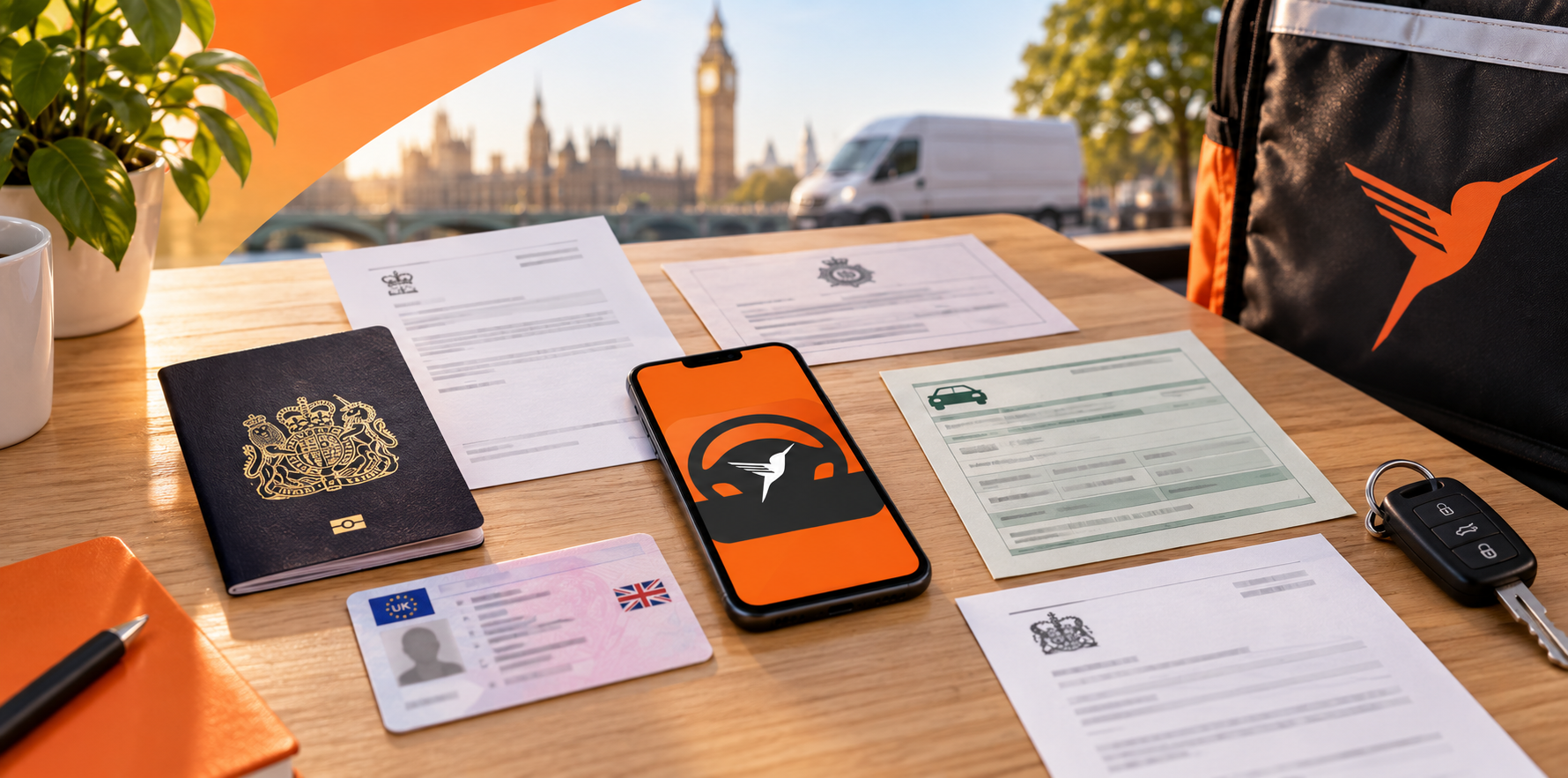
Next, provide the information and documents needed to verify your application. The requirements may vary depending on your vehicle and registration status.
Enter your additional details
Make sure the information you enter matches your official documents.
-
Entity status: Type 'Individual' if you’re registering as an individual, or 'Legal Entity' if you’re registering as a company.
-
VAT status: Confirm whether you are VAT registered (Yes / No).
-
Address: Enter your full home address or business address, depending on your entity status.
Upload your documents
The documents you need will depend on how you register and the vehicle you use.For all delivery partners:
-
Passport / right-to-work document
-
Portrait photo (selfie)
-
Proof of National Insurance number
-
DBS certificate
If you're delivering with a motor vehicle:
-
UK driving licence
-
Photo of the back of your vehicle
-
Hire & Reward insurance
-
Insurance supporting document or permission letter, if applicable
If applicable:
-
Company registration certificate
-
VAT certificate
Need help preparing your documents? Check our [Guide for Delivery Partner: How to Submit Documents] for step-by-step guidance on preparing and submitting your documents
📸 Take clear photos of your documents
Place paper documents on a flat surface and make sure the whole document is visible, in focus and easy to read. Blurry, cropped or unclear photos will need to be uploaded again.
Step 5: Get verified
Submit your application for review. Once approved, you’re ready to deliver!
Ready to hit the road with Lalamove?
Complete your registration today and get ready to start delivering across London.
🚚 Orders start coming in from October — make sure you’re ready to go!