


In-App Shortcuts: How to Manage Your Delivery in Real Time
Whether you're facing marathon road closures or a sudden change of plans, you always have full control over your active order. If something unexpected comes up, you don't need to panic or start over.
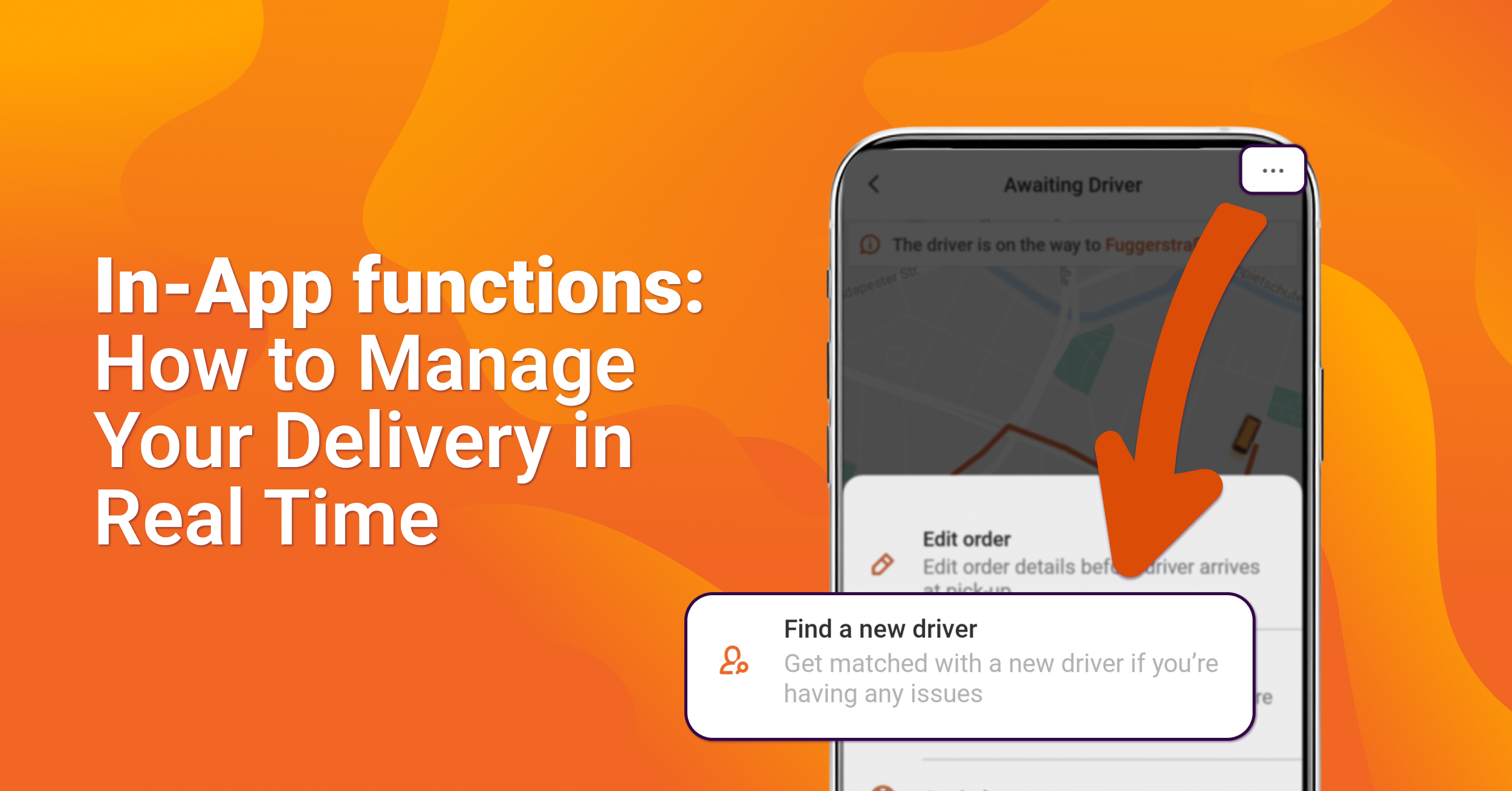
Just tap the three dots (…) in the top right corner of your live tracking screen to open your menu options during an ongoing delivery:

1. Edit order
Typed in the wrong house number or need to tweak the pickup address? You can update your details on the fly.
- What it does: Allows you to edit pickup and drop-off points directly.
- Note: If you need a completely different vehicle type or additional service options, you will need to cancel and place a new order.
2. Find a new driver
If your driver is stuck in traffic, not moving, or unable to meet your scheduled timeframe, tap this option.
- What it does: Re-triggers our search to find and assign an available driver closer to your location.
3. Get help
Have a quick question about pricing, timing, or how something works?
- What it does: Directs you straight to our Help Center and FAQs for instant answers.
4. Cancel order
Need to call off the delivery entirely?
- What it does: Cancels your active order directly from the app.
5. Report detail mismatch
Your safety and peace of mind come first. If the driver who arrives or accepts your job does not match the information shown in the app—specifically their profile picture, license plate, or vehicle type—let us know immediately.
- What it does: Allows you to report the exact discrepancy so our team can investigate right away.