
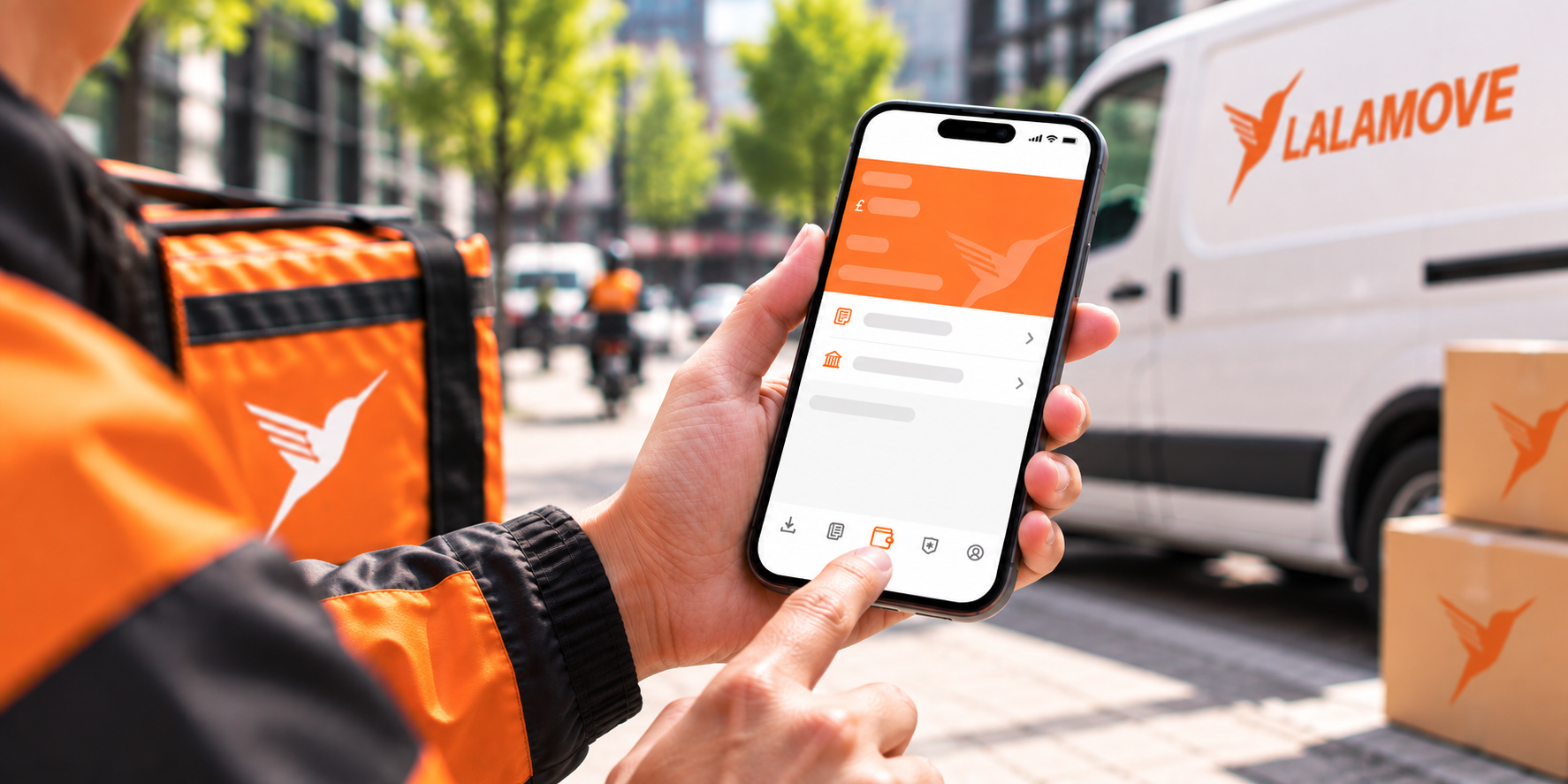
To receive your delivery fees and eligible incentives and rewards, make sure your bank details are correct and up to date in the Lalamove Driver App.
Follow these simple steps to add your bank account details.
1. Go to Wallet
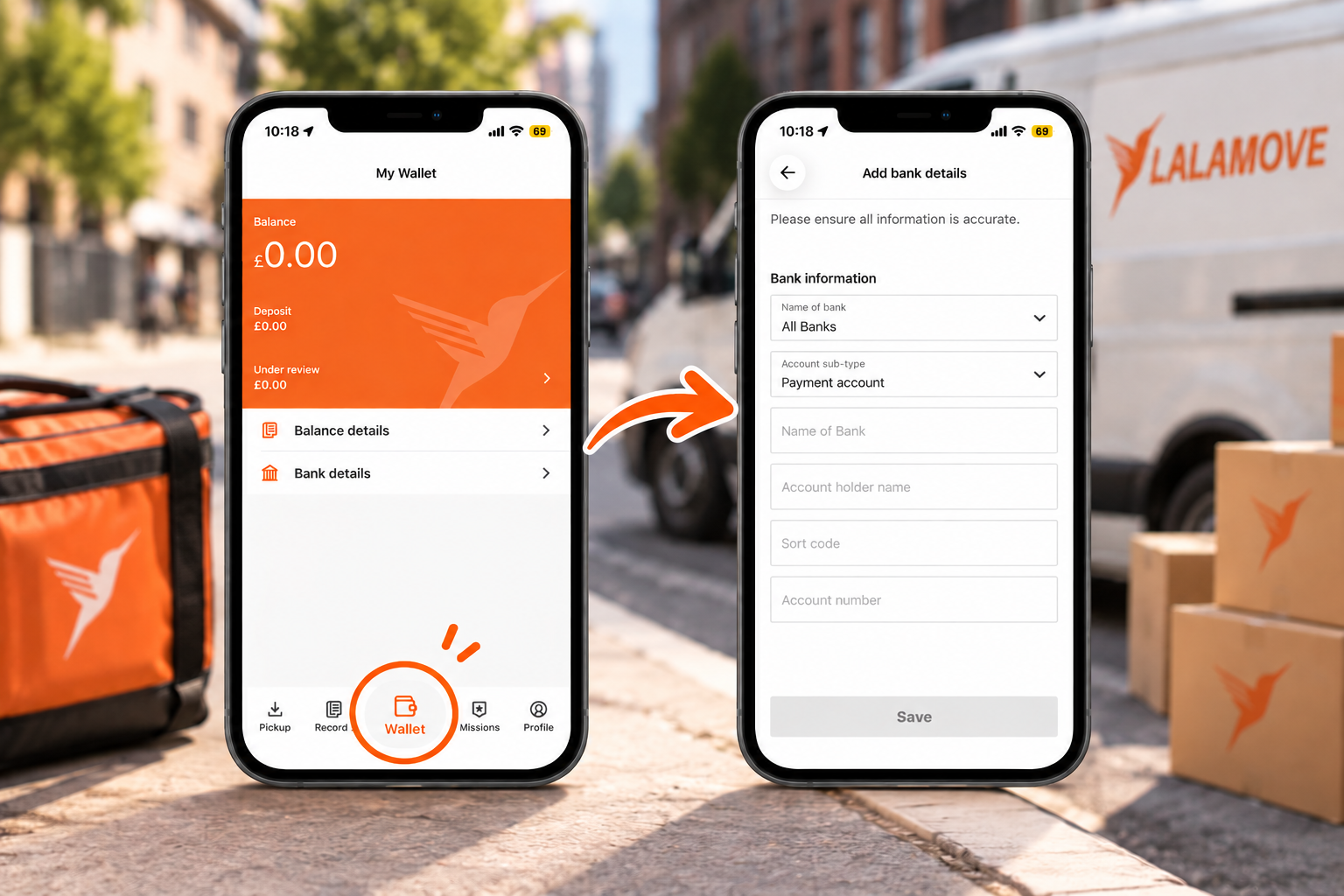
Open the Lalamove Driver App and tap Wallet at the bottom of the screen.
Then select Bank details.
2. Enter your bank details
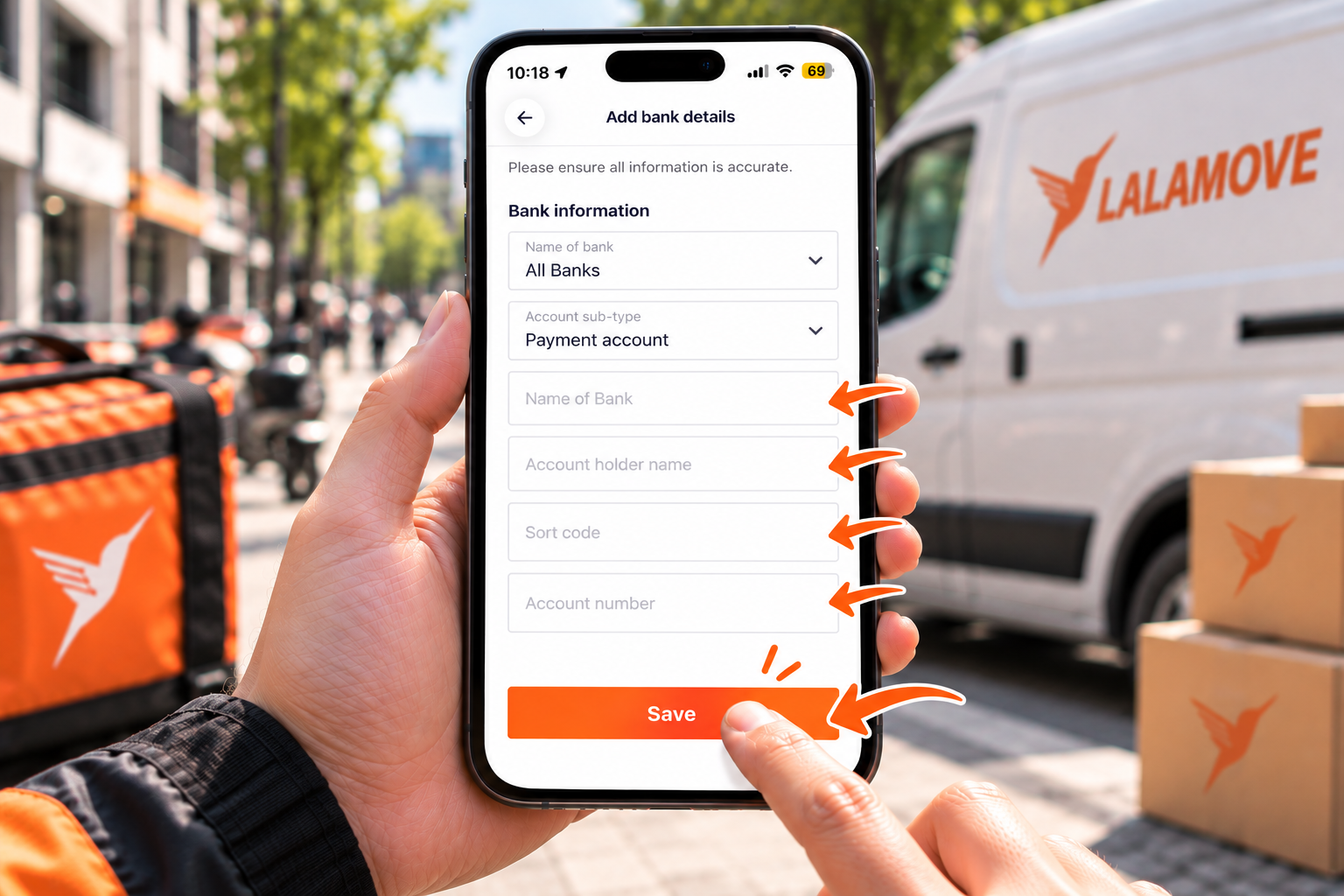
Enter the bank account you want to use to receive your delivery fees, mission incentives, referral bonuses and sticker programme rewards.
You'll need to provide:
-
Name of bank
-
Account holder name
-
Sort code
-
Account number
Make sure the information matches your bank account details.
3. Check your details and save
Double-check that all your bank information is correct, then tap Save.
Incorrect bank details may result in delays in receiving your delivery fees, incentives and rewards.
Keep your bank details up to date
If your bank account details change, update them in the Lalamove Driver App as soon as possible to help avoid delays.